

Generative Engine Optimization (GEO)
Your customers stopped scrolling. Now they're just asking.

A growing share of people searching for a plumber, a restaurant, or a realtor no longer see a page of blue links. They ask ChatGPT, Google's AI Overviews, or Perplexity — and get one answer. Here's what Generative Engine Optimization (GEO) is, and why it belongs on your marketing plan this year.
GEO, in one line:
Getting your business named inside the answer — not just linked below it.
Coined by researchers at Princeton, Georgia Tech, and the Allen Institute for AI in 2023. By 2026, it's a standard line item in small-business marketing plans.
So, what actually is GEO?
"If SEO got you onto page one,
GEO gets you into the sentence."
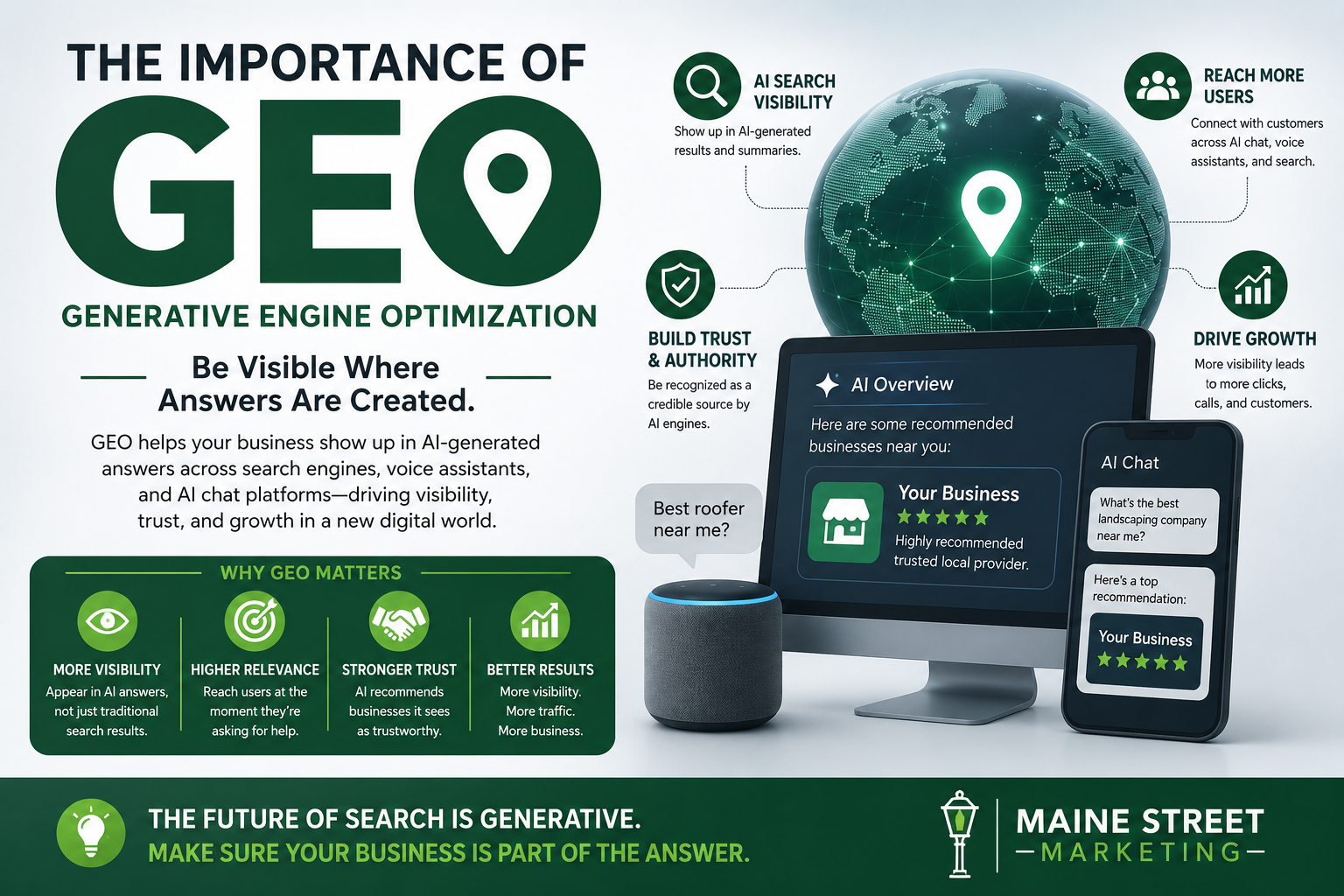
Generative Engine Optimization (GEO) is the work of shaping your website and content so that AI tools — ChatGPT, Google's AI Overviews, Perplexity, Claude, Copilot, and others — can find you, understand what you do, trust you, and mention you by name when someone asks a related question.
Traditional SEO earns you a ranking spot on a results page: position three, position seven, wherever. GEO skips the results page entirely. The AI reads across dozens of sources, blends what it finds, and hands the person a single written answer. GEO is the practice of making sure your business is one of the sources that the answer is built from.
The tide has already turned, whether or not you've noticed. (Why this isn't hype)

Directional estimates of search queries that now involve an AI-generated answer rather than a plain results page, based on industry tracking cited across multiple 2026 marketing research reports. The exact figure varies by source and industry — the direction is what matters: fewer clicks are landing on a results page, more decisions are being made inside a chat window.
GEO isn't a replacement for SEO. It's a different scoreboard.
The old chart — SEO
Earning a spot on the page
- Goal: rank in the top 10 blue links for a keyword
- Success = clicks to your website
- Levers: backlinks, page speed, keywords, domain age
- You're competing against nine other listings
- The searcher does the reading and deciding
The new chart — GEO
Earning a place in the answer
- Goal: be one of the two to seven sources an AI cites
- Success = being named, quoted, or recommended by the AI
- Levers: clear facts, structured content, third-party proof, plain answers to real questions
- You're competing against however many sites the AI decided to trust
- The AI does the reading and summarizing for the searcher
What actually happens between the question and the answer
STEP 01
The question gets broken apart
An AI engine rarely searches your exact question. It splits it into smaller sub-questions and researches each one separately — the way you might if you were digging into something yourself.
STEP 02
It gathers candidate sources
For each piece, the engine pulls in pages, listings, and reviews that seem to answer that specific fragment clearly and credibly — your website, your Google Business Profile, review sites, directories, local news.
STEP 03
It weighs who to trust
Clear, well-organized content wins. So does being mentioned consistently elsewhere — reviews, local press, other reputable sites. Vague pages and inconsistent business details get skipped.
STEP 04
It writes the answer
The engine blends the best material into one response and, increasingly, names or links its sources. That's the moment GEO is built for — being the name that gets used.
This isn't just for national brands.
Why it matters to a local business
Small and mid-sized businesses have the most to gain here, because most of your competitors haven't touched it yet. A homeowner asking an AI assistant, "Who's a reliable electrician near Saco, Maine?" is a customer with a decision already half made. You want to be the name it gives them.
The click is disappearing
When the AI answers the question directly, fewer people ever reach a website at all. If you're not part of that answer, you may never know the customer was looking.
Trust transfers faster
Being named by an AI assistant carries the same weight a friend's recommendation used to. It's a strong signal to a customer who hasn't heard of you yet.
The field is still open
Most local competitors haven't structured their content or listings for AI discovery yet. Early, consistent work here compounds — the same way early SEO did fifteen years ago.
You don't need to become an AI expert. You need a marketing partner who already is.
(Where Maine Street Marketing comes in)
- Clean up the facts.
- Consistent business details across your site, listings, and directories, so no AI engine gets confused about who you are.
- Write for the question, not the keyword.
- Content structured around the real questions your customers ask, answered clearly and directly.
- Build third-party proof.
- Reviews, listings, and local mentions that give AI engines a reason to trust and cite you.
- Keep SEO strong at the same time.
- GEO works alongside your search rankings, not instead of them — you need both.
Let's find out where you stand.
We'll take a look at how your business currently shows up — in Google and in AI answers — and tell you plainly where the opportunity is.
Talk to Maine Street Marketing. Serving small and medium-sized businesses across Southern Maine & New Hampshire

Frequently Asked Questions
Straight answers about GEO, what it means for a local business, and how it works alongside your existing SEO.
It generally happens in four steps:
- The question gets broken into smaller sub-questions.
- The engine gathers candidate sources for each piece — your website, your Google Business Profile, reviews, directories, and local news.
- It weighs who to trust, favoring clear, well-organized content and businesses mentioned consistently elsewhere. Vague pages and inconsistent details get skipped.
- It writes one blended answer and, increasingly, names or links its sources.
We focus on four things:
- Clean up the facts — keeping your business details consistent across your site, listings, and directories so no AI engine gets confused about who you are.
- Write for the question, not the keyword — structuring content around the real questions your customers ask, answered clearly and directly.
- Build third-party proof — reviews, listings, and local mentions that give AI engines a reason to trust and cite you.
- Keep SEO strong at the same time — GEO works alongside your search rankings, not instead of them.
Ready to see where your business stands in AI search?
Talk to Maine Street Marketing