

The 15-Minute Google Business Profile Checklist
It's time to review your Google Business profile.
The short answer: in about 15 minutes, you can fix the eight things on your Google Business Profile that most affect whether people call, visit, or choose you: your name, category, phone, hours, description, photos, services, and reviews.
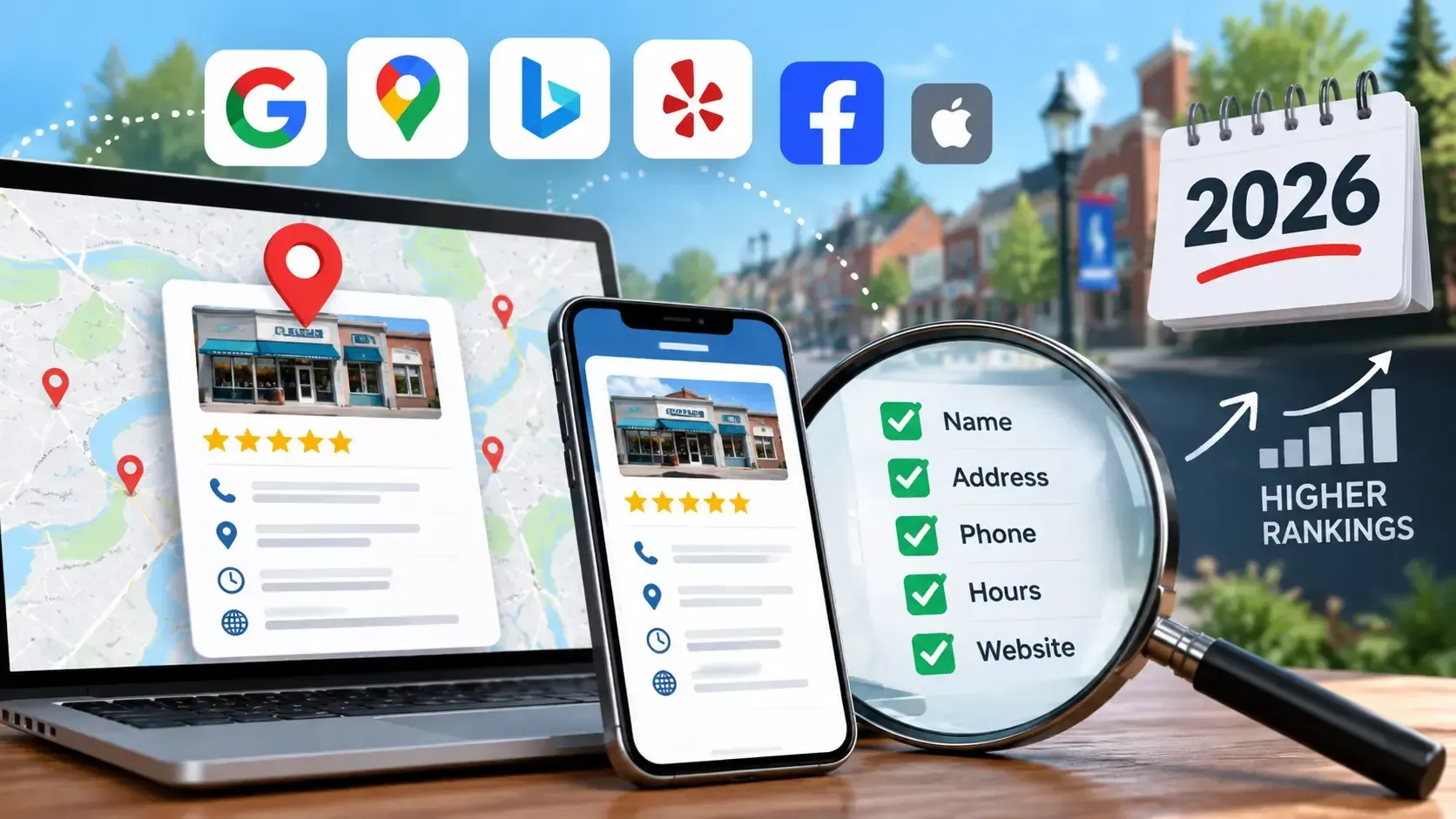
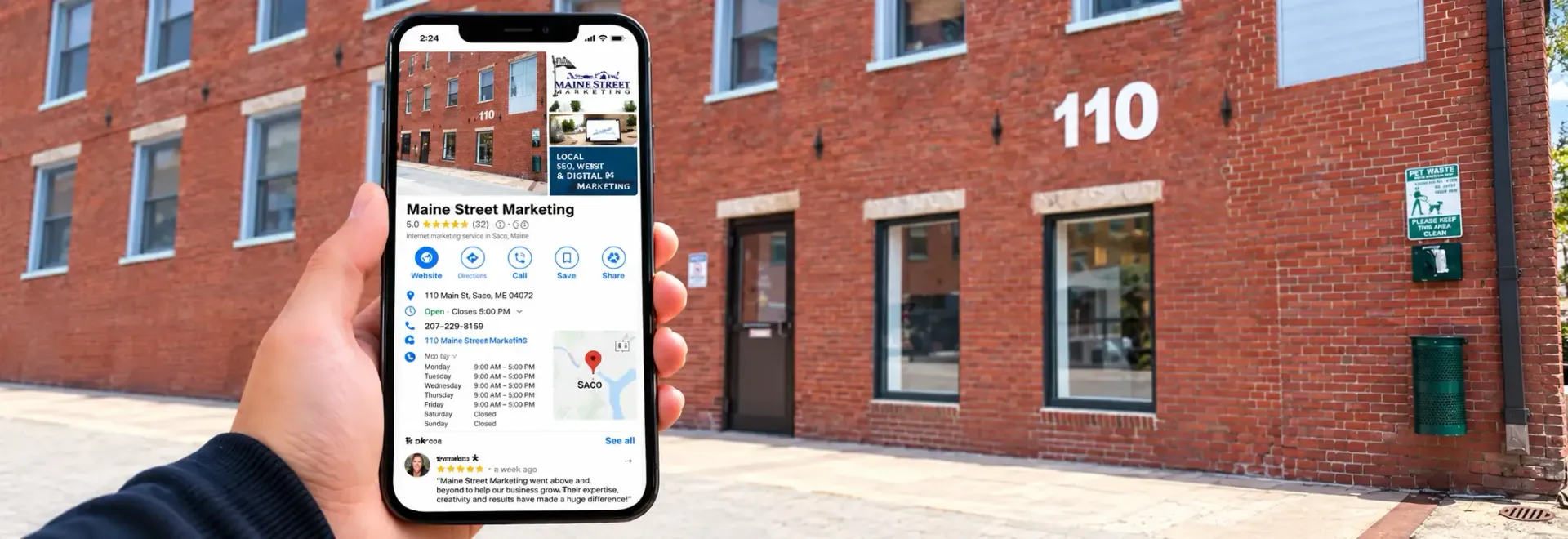
Your Google Business Profile is the box that appears when someone searches for your business or for a service near them. It shows your hours, phone number, photos, and reviews, and for many customers it's the only thing they look at before they call. It's also the first place AI tools like ChatGPT look. A 2026 study of 10,000 local businesses by Insites found that the strength of a business's Google profile was one of the top predictors of whether ChatGPT knew the business at all.
The good news is that most profiles don't need a rebuild. They need a quick, careful once-over. Grab your phone, open your profile, and work through the list below.
The checklist
Sign in to your Business Profile and go to Info. Most of these steps live there. The time next to each step adds up to about 15 minutes. Google's own guide to editing a Business Profile covers the menus in detail.
- Check your name, address, and phone number (2 minutes). They should match your website and your other listings exactly. Use your real business name, not a keyword-stuffed name. If you moved, changed suites, or changed numbers, fix it here first.
- Pick the right main category (1 minute). Your primary category tells Google what you are. Choose the most specific one that fits, then add secondary categories for other services you offer.
- Confirm your hours (2 minutes). Go to Info, then Hours, and set opening and closing times for each day. You can add more than one entry in a day if you close for lunch.
- Write a clear description (3 minutes). Google advises putting the most important information first and highlighting what makes you different. Say what you do, who you serve, and which towns you serve, in plain words.
- List your services or products (2 minutes). Add each service you offer, with a short description. This helps Google match you to more searches, and it helps customers see what you do at a glance.
- Upload fresh photos (3 minutes). Google recommends well-lit, in-focus photos between 10 KB and 5 MB, at least 720 by 720 pixels. Add your logo, a storefront or truck photo, your team, and your work. Use photos from the last few months to keep them current.
- Select your attributes (1 minute). Check what applies, such as wheelchair accessibility, online appointments, outdoor seating or women-owned.
- Answer your reviews (1 minute, then ongoing). Reply to your three most recent reviews, good or bad, with a short, human response. Then decide how you'll ask for the next one, such as a text link after each job or a card at the register.
Set your holiday and winter hours now
Nothing frustrates a customer like driving to a closed door because Google said you were open. This is the one task worth doing in October rather than the week of the holiday.
In your profile, go to Info, then Hours, then Special Hours. Choose a holiday from the list, or use Add new date to enter your own. Set these dates for this season:
- Thanksgiving, Thursday, November 26
- Small Business Saturday, November 28, if your hours change
- Christmas Eve and Christmas Day, December 24 and 25
- New Year's Eve and New Year's Day, December 31 and January 1
- Any day you close early for a staff party or inventory
If you're a seasonal Maine business and you close for part of the winter, update your regular hours to match and mention the reopening date in your description, so customers and AI tools aren't left guessing. If a storm closes you for a day, change your hours as soon as you know. Your profile is the first thing people check.
Mistakes that cost you calls
- Out-of-date hours. The fastest way to lose a customer. Check them every season.
- A different phone number than your website. Old tracking numbers and former owners' numbers still linger on many profiles. Keep one main number everywhere.
- Too many or the wrong categories. Pick the most specific primary category, then add only the secondary ones that are true.
- Keyword-stuffed business names. "Smith Plumbing - Best Plumber Saco ME" can get a profile suspended. Use the name on your sign.
- No recent photos. Old or missing photos make a business look closed.
- Unanswered reviews. A calm reply to a bad review shows future customers how you handle problems.
- Duplicate profiles. An old listing from a previous address or owner can split your reviews and confuse customers. Claim or request removal of duplicates.
Common questions
How often should I update my profile? Check it every quarter and before every holiday or season. Reply to new reviews as they come in.
Do I need a profile if I don't have a storefront? Yes. Service-area businesses can show the towns they serve instead of a street address.
Can I get a bad review removed? Only if it breaks Google's policies, such as spam or a fake review. Otherwise, reply politely and keep earning good ones.
How many reviews do I need? There's no magic number, but steady matters. The Insites study found AI visibility followed review volume much more than star rating.
Want us to take this off your plate?
We set up, clean up, and manage Google Business Profiles and online reviews for local businesses across Southern Maine. Request a free website grade, or send us your business name and we'll take a look at your profile.
Maine Street Marketing, 110 Main St., Suite 1001, Saco, ME 04072. Call 207-229-8159 or 207-807-1485, or email howcanwehelp@mainestreetmarketing.com.
Sources: Google's Business Profile guide and Insites' 2026 AI visibility benchmark